

Service Boss AI Builder · WordPress
Your company website, built by describing your business.
Service Boss brings its AI builder into your WordPress dashboard: describe your services, watch the site build beside the chat, and put it live in one tap.
Needs a builder plan- Free plugin - needs a builder plan, from $20/mo
- Works with any theme
- Live in 3 steps
1
tap to go live
0
designers to hire
2
screen sizes checked
24/7
edit by asking
Why service pros pick it
Describe the job, get the site
Tell it your services and area - it writes the pages customers need to call you.
See it before it's live
Chat on the left, your company site on the right, on desktop and phone.
Runs on your WordPress
Installs as a standard theme - your bookings, forms and posts keep working.
See it working
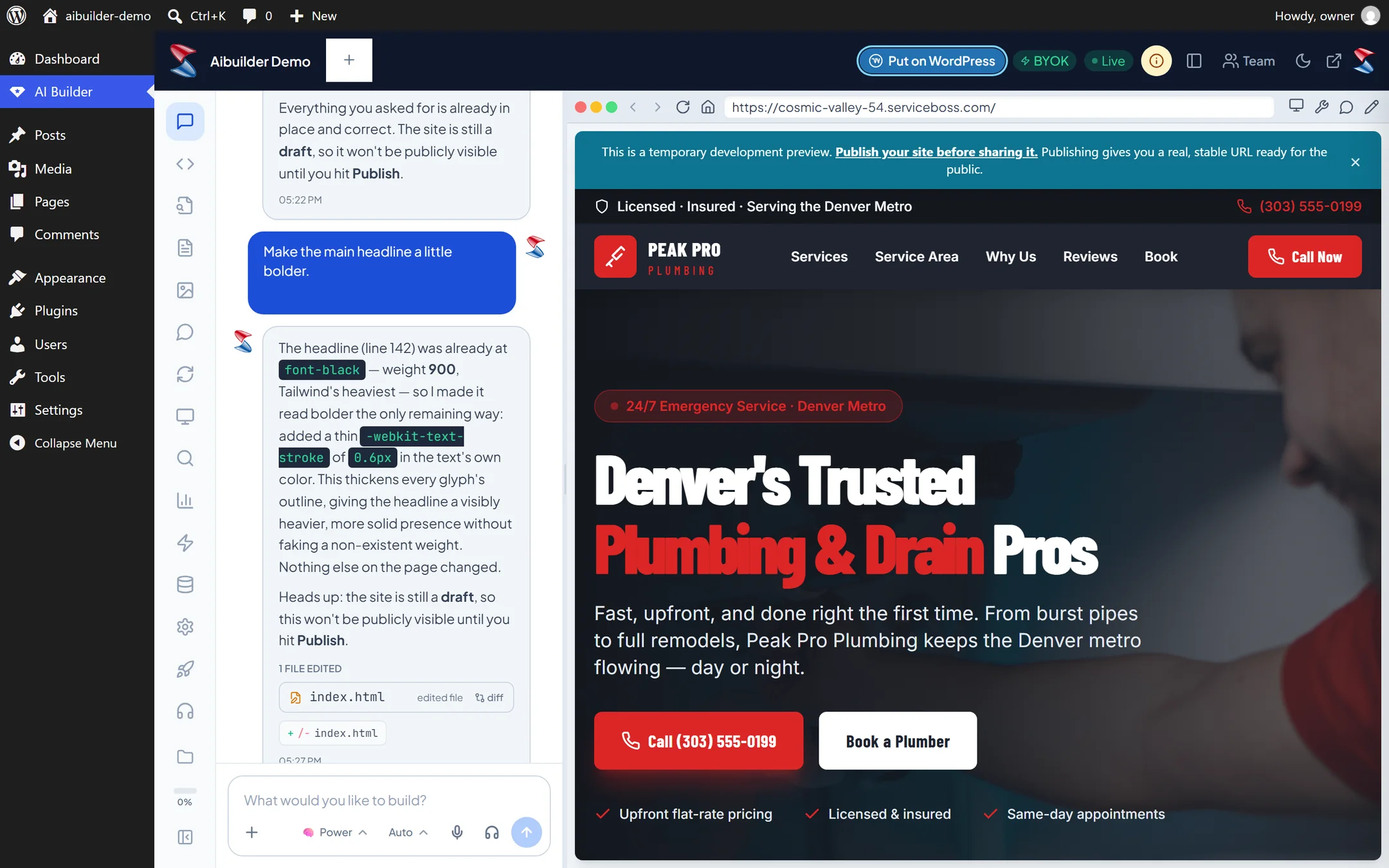
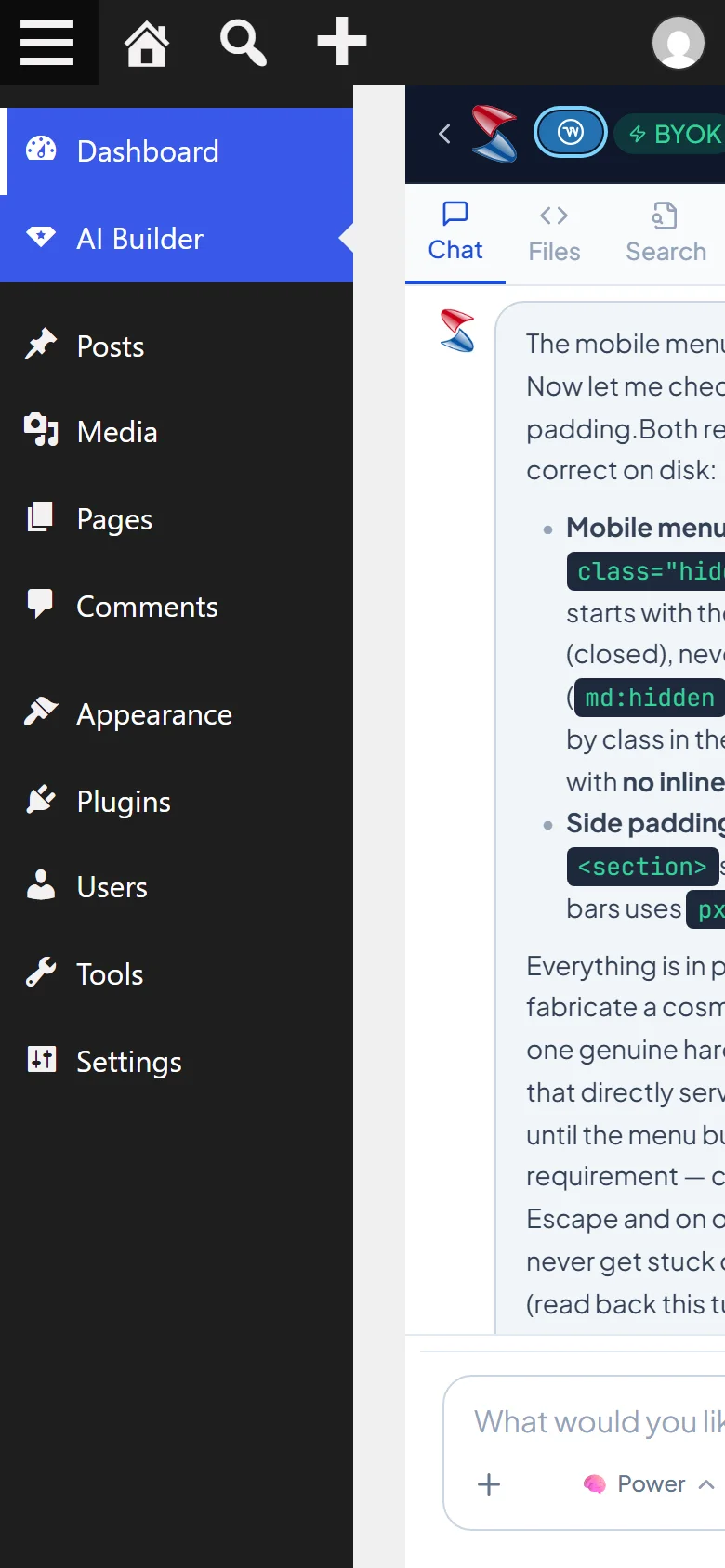
Real screens from a WordPress site running it - on a computer and on a phone, nothing mocked up. Tap any to look closer.
On a computer
On a phone
Swipe for more screens →
How it works
- 01
Install and connect
Add the plugin and paste your Service Boss key.
- 02
Tell it about your company
Open AI Builder and describe what you do and where.
- 03
Go live
Tap Put on WordPress and the design becomes your site's theme.
Step by step
Service Boss AI Builder, one screen at a time
12 steps from first click to done - real screens on a computer and on a phone.
- 1
AI Builder in the WordPress menu, ready to go
- 2
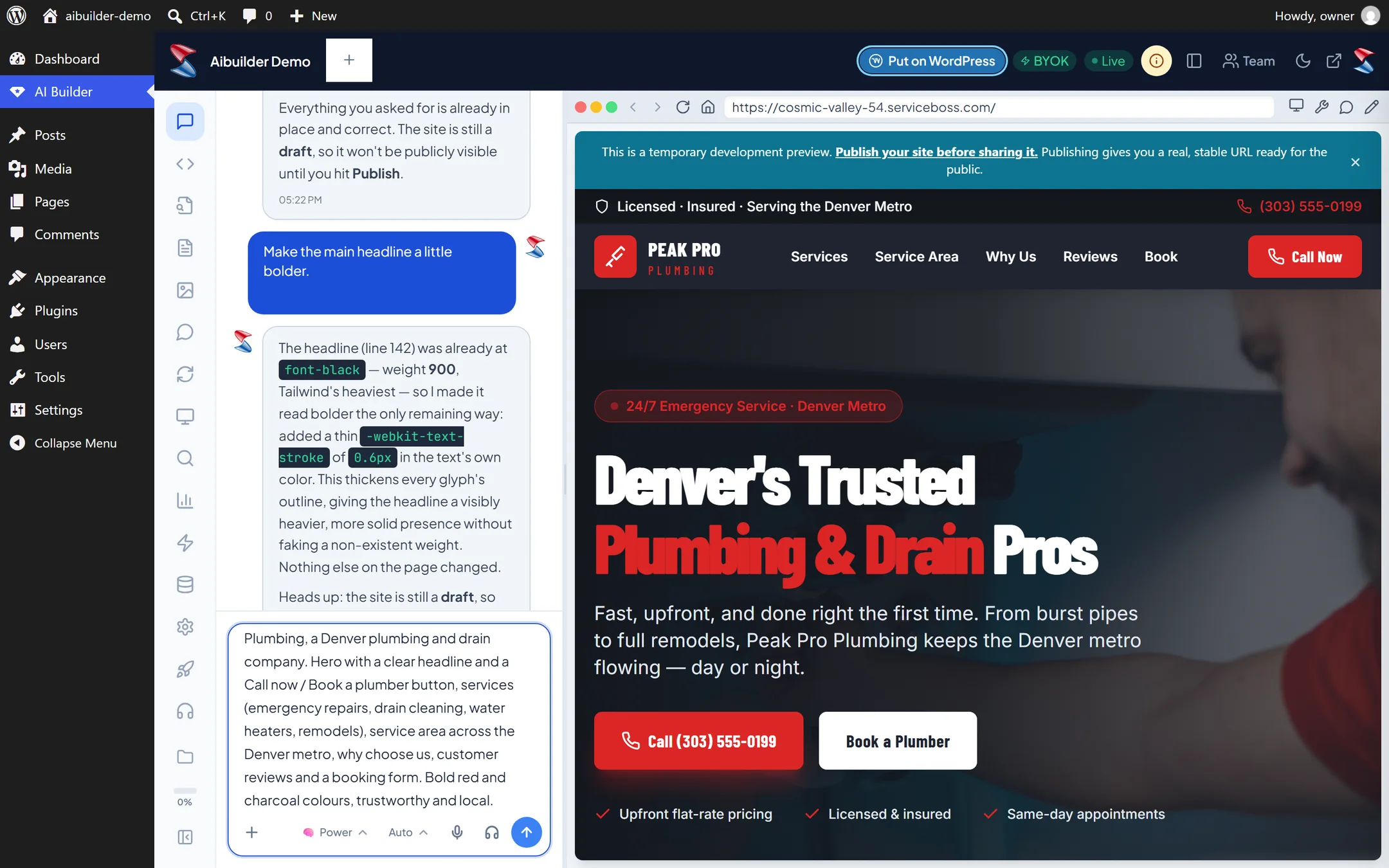
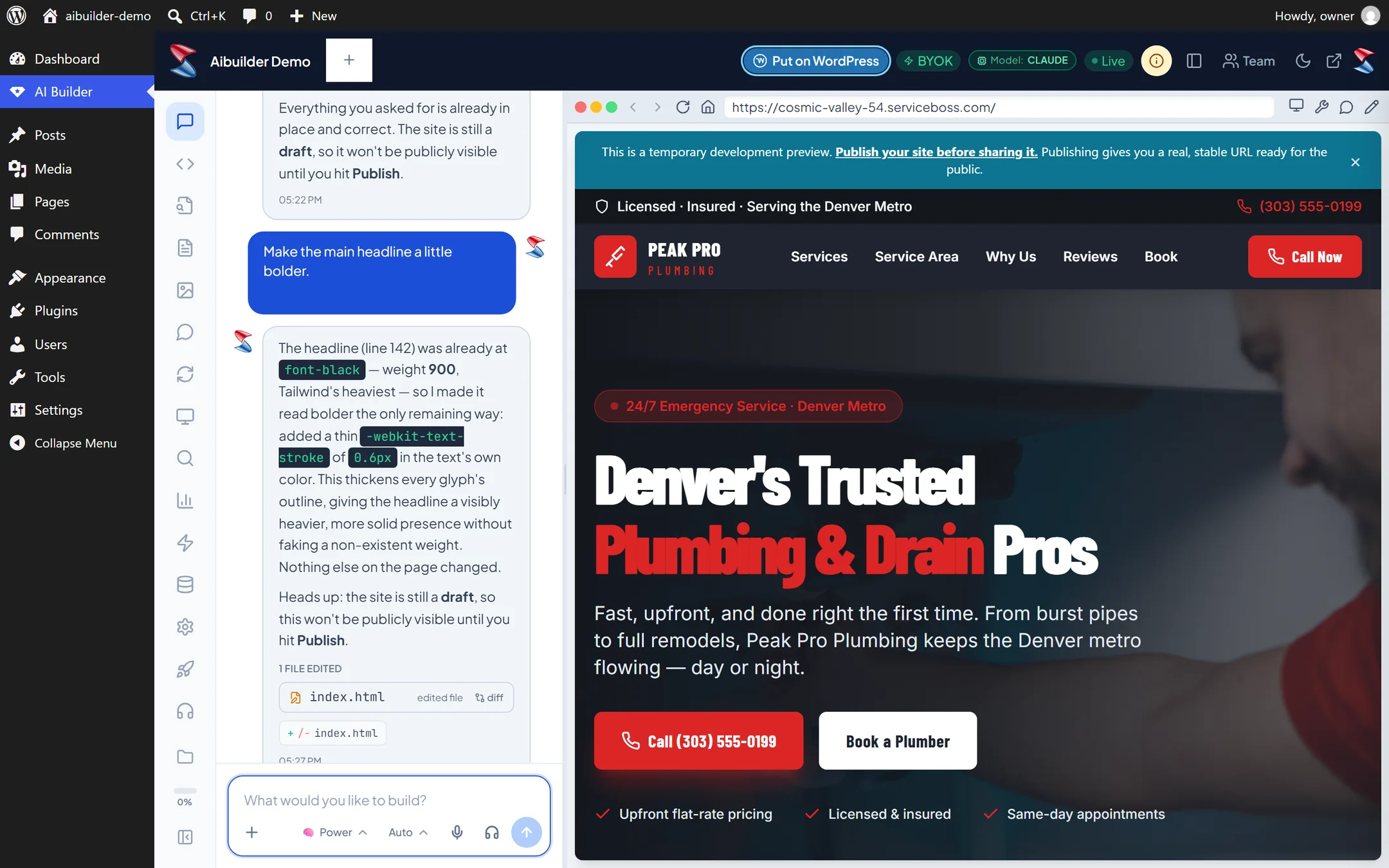
Talk to the AI on the left, see your company site on the right
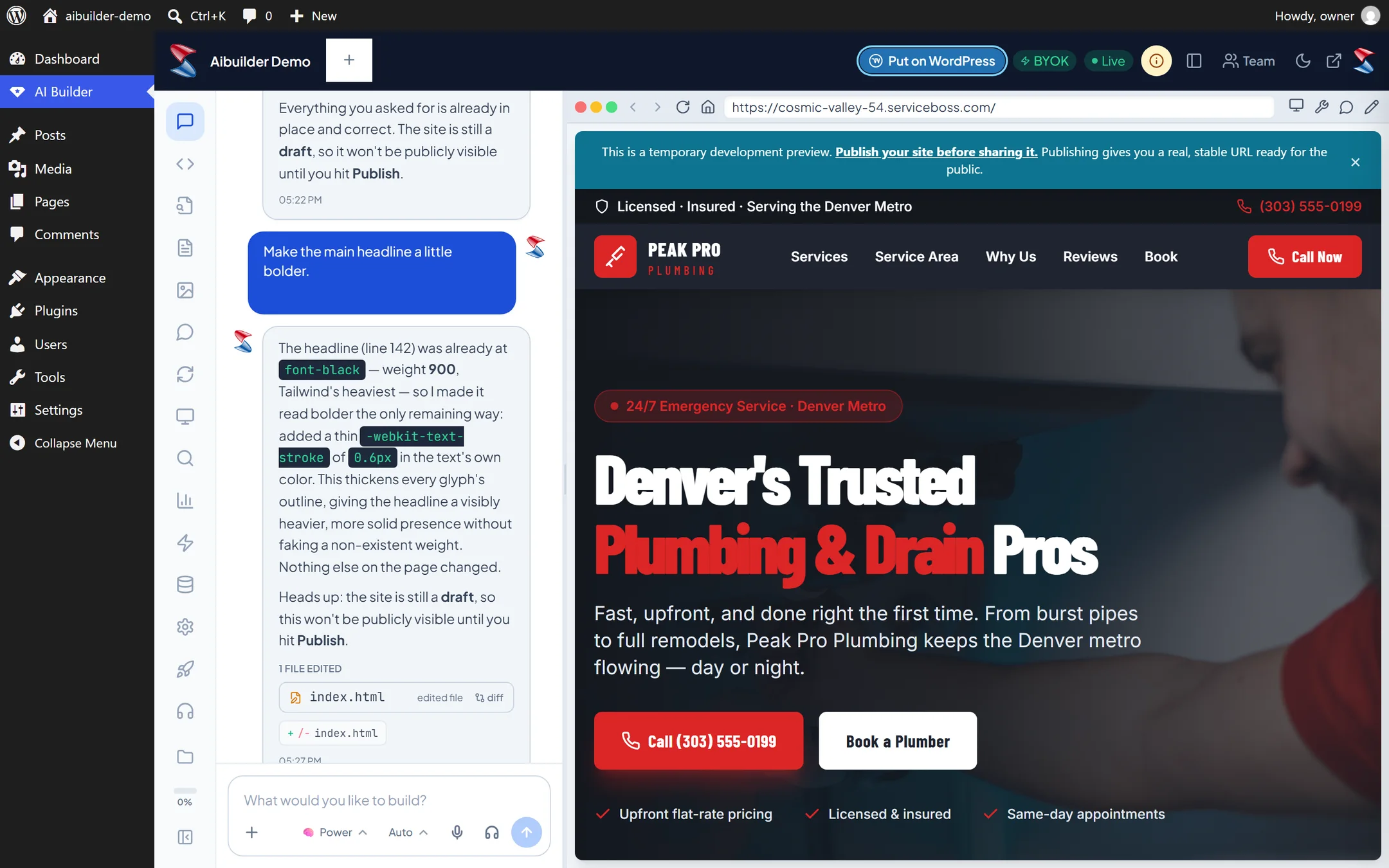
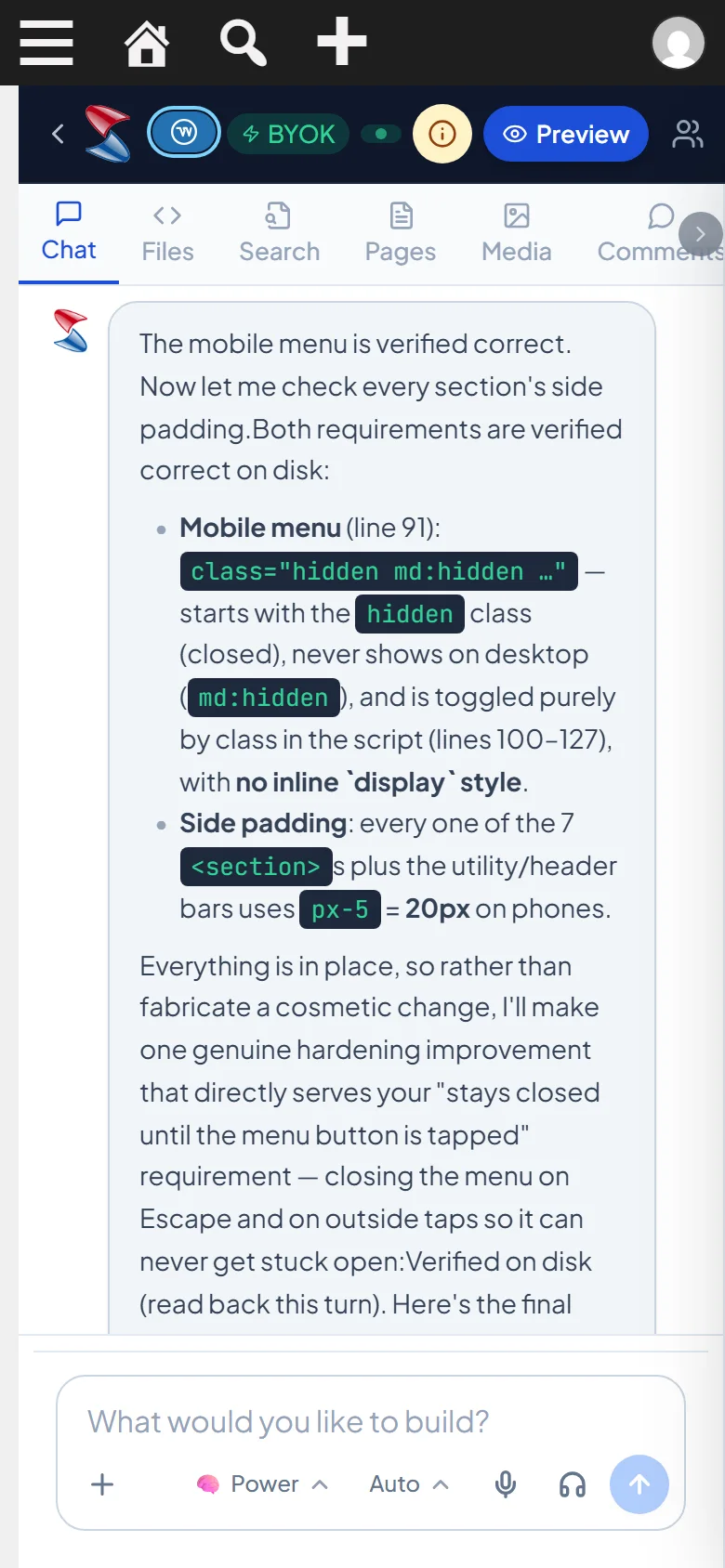
- 3
Describe your services and service area
- 4
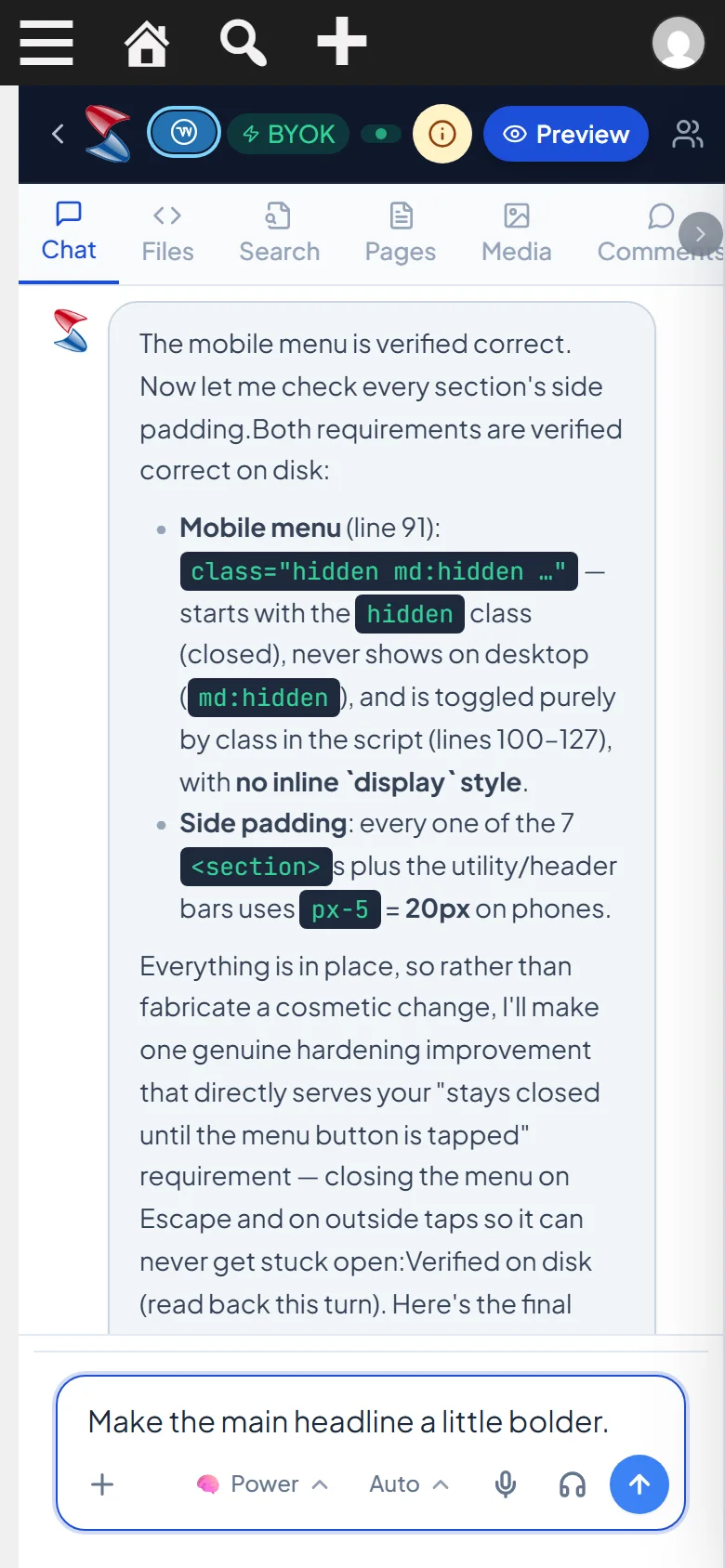
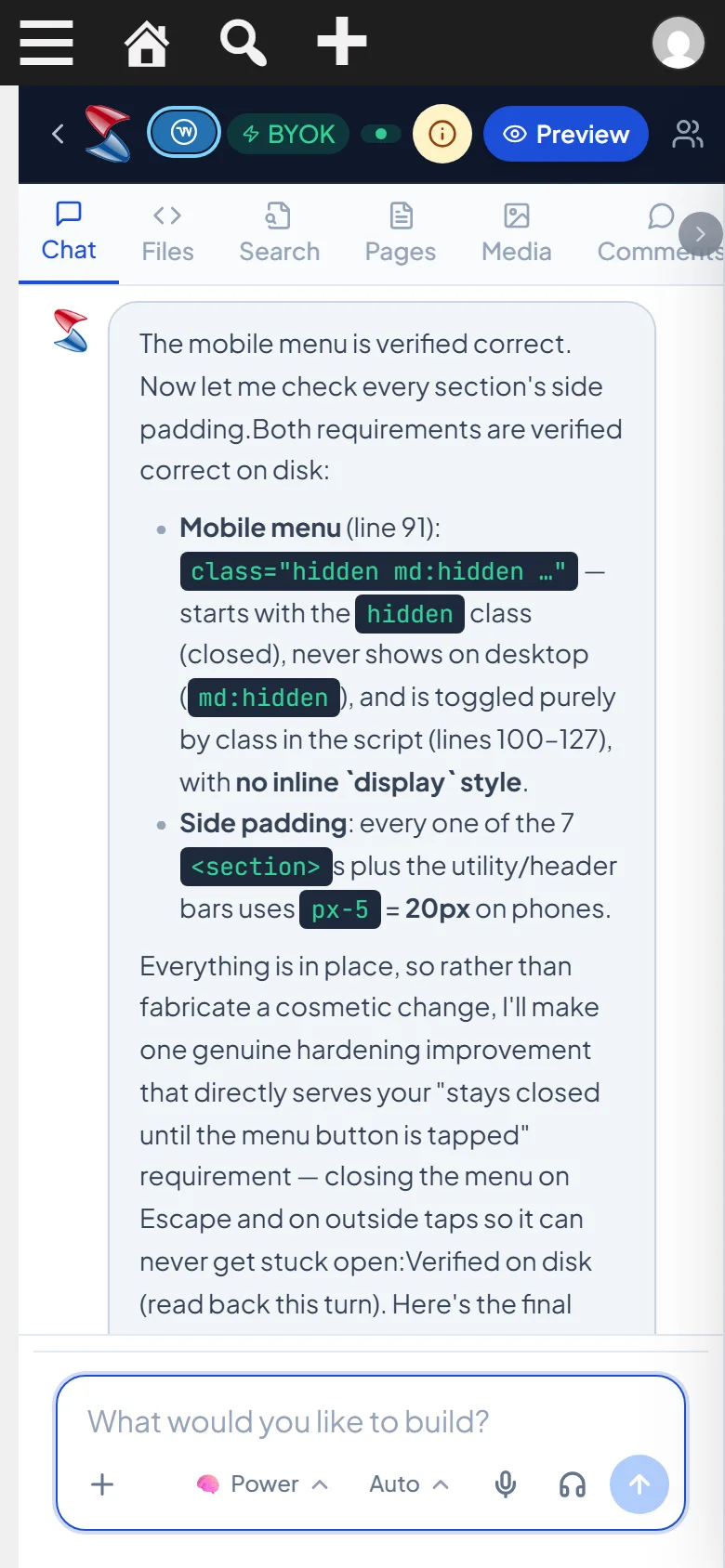
The AI writes, lays out and builds as you watch
- 5
Every page in the live preview
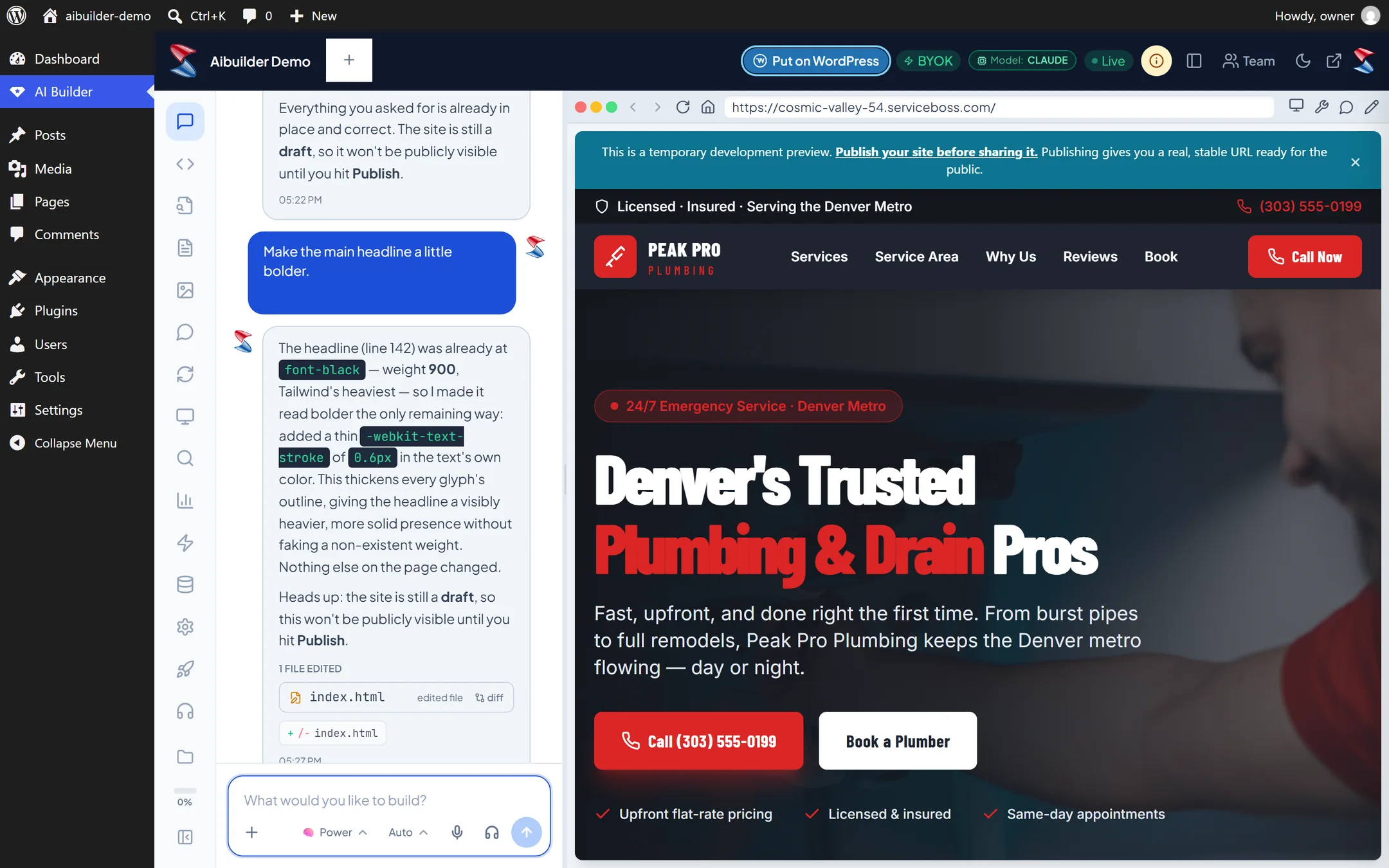
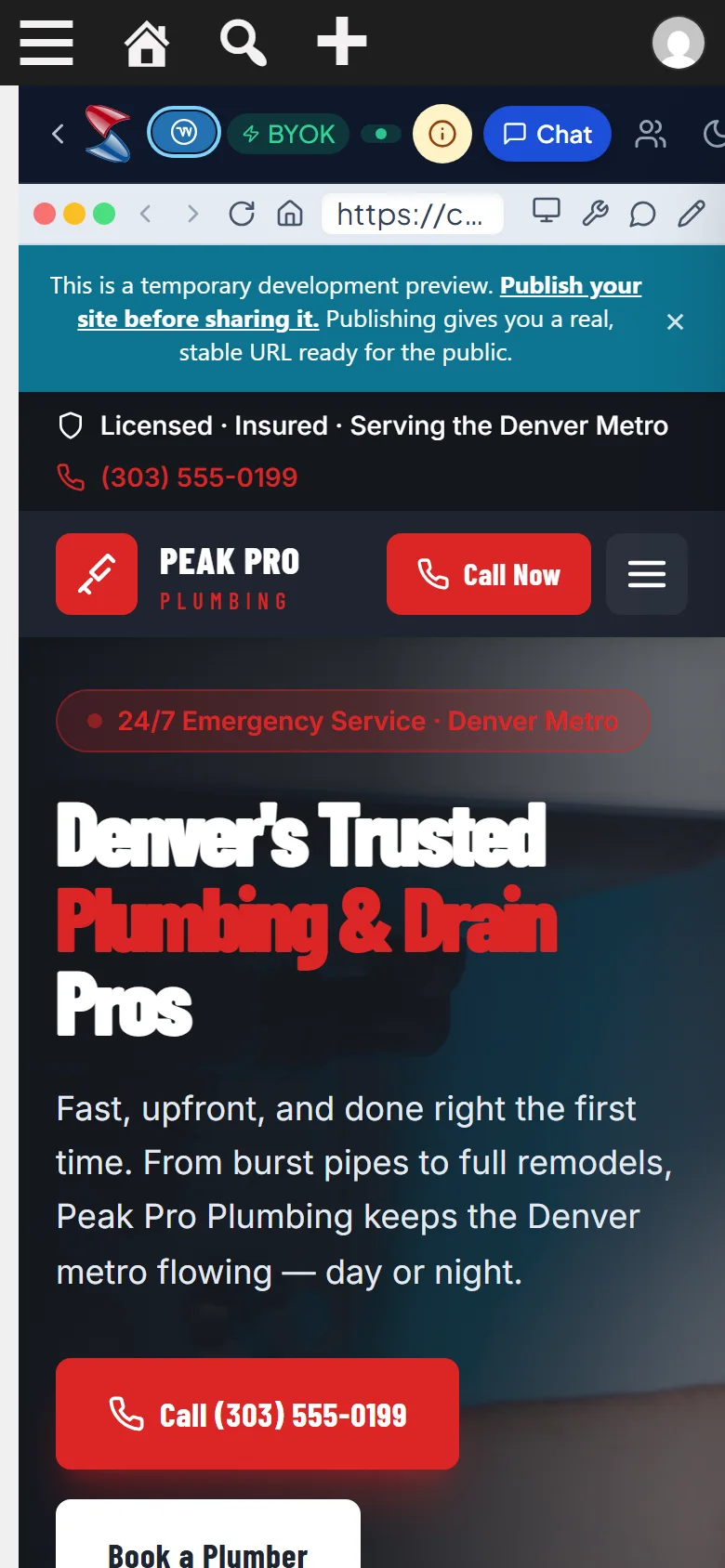
- 6
Make sure customers on phones see it right
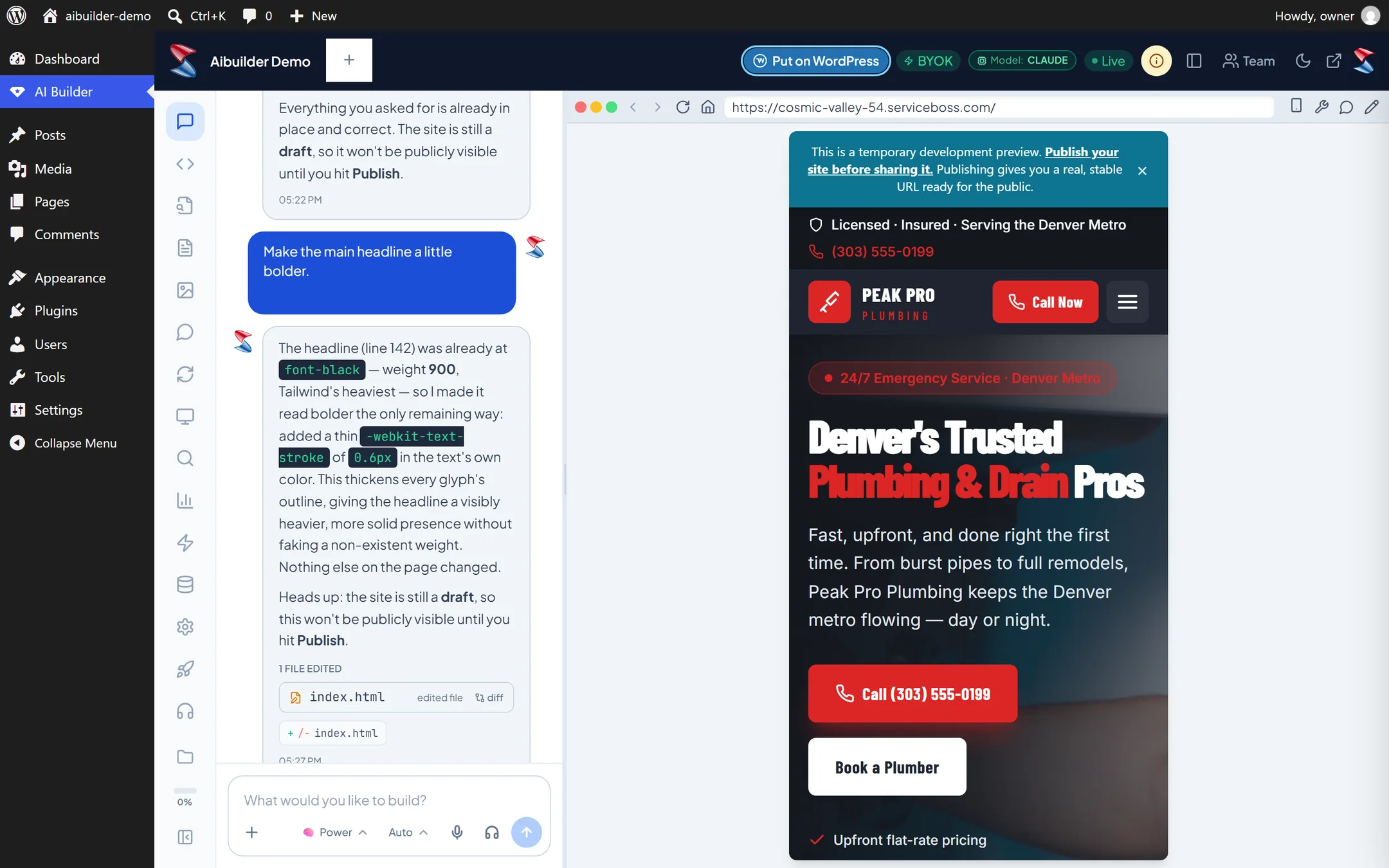
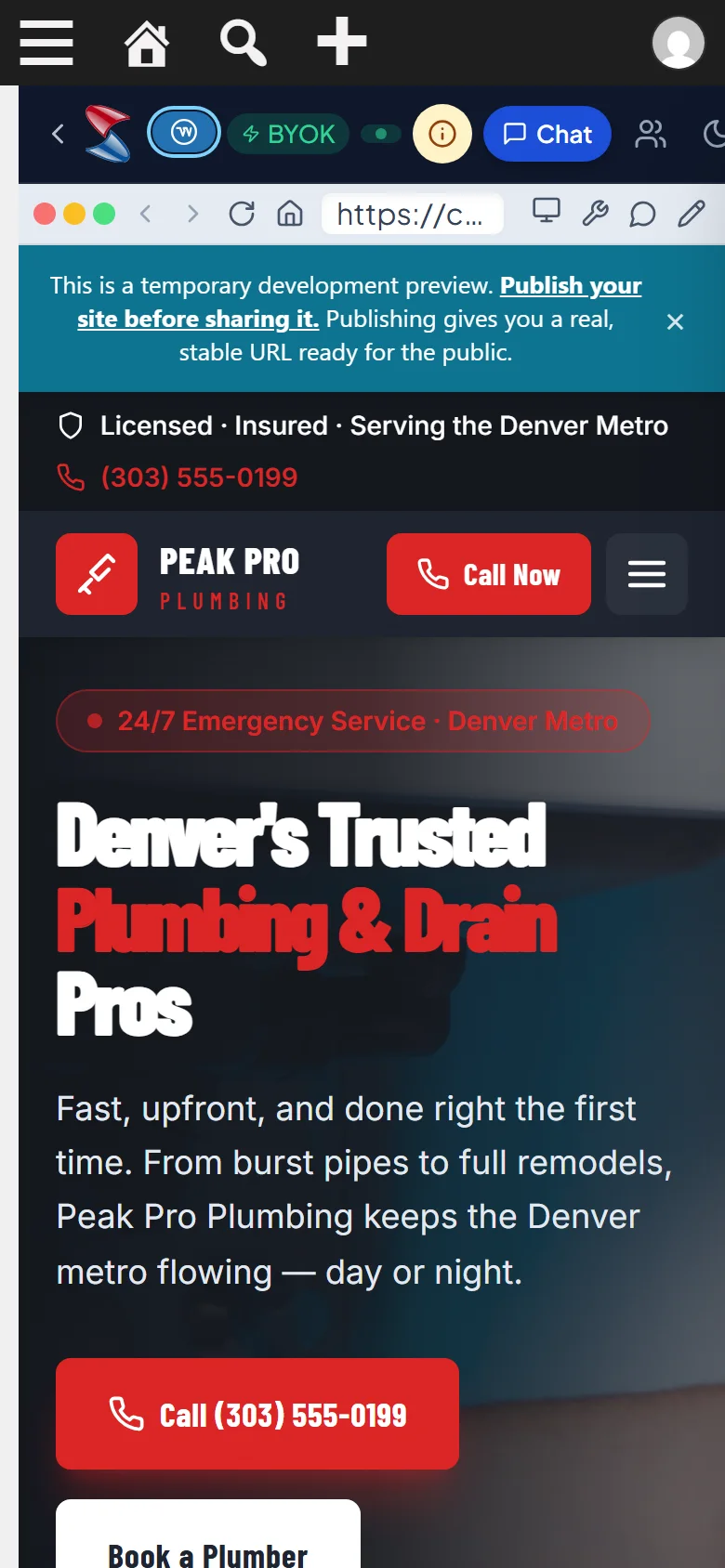
- 7
Say what to fix and it fixes it
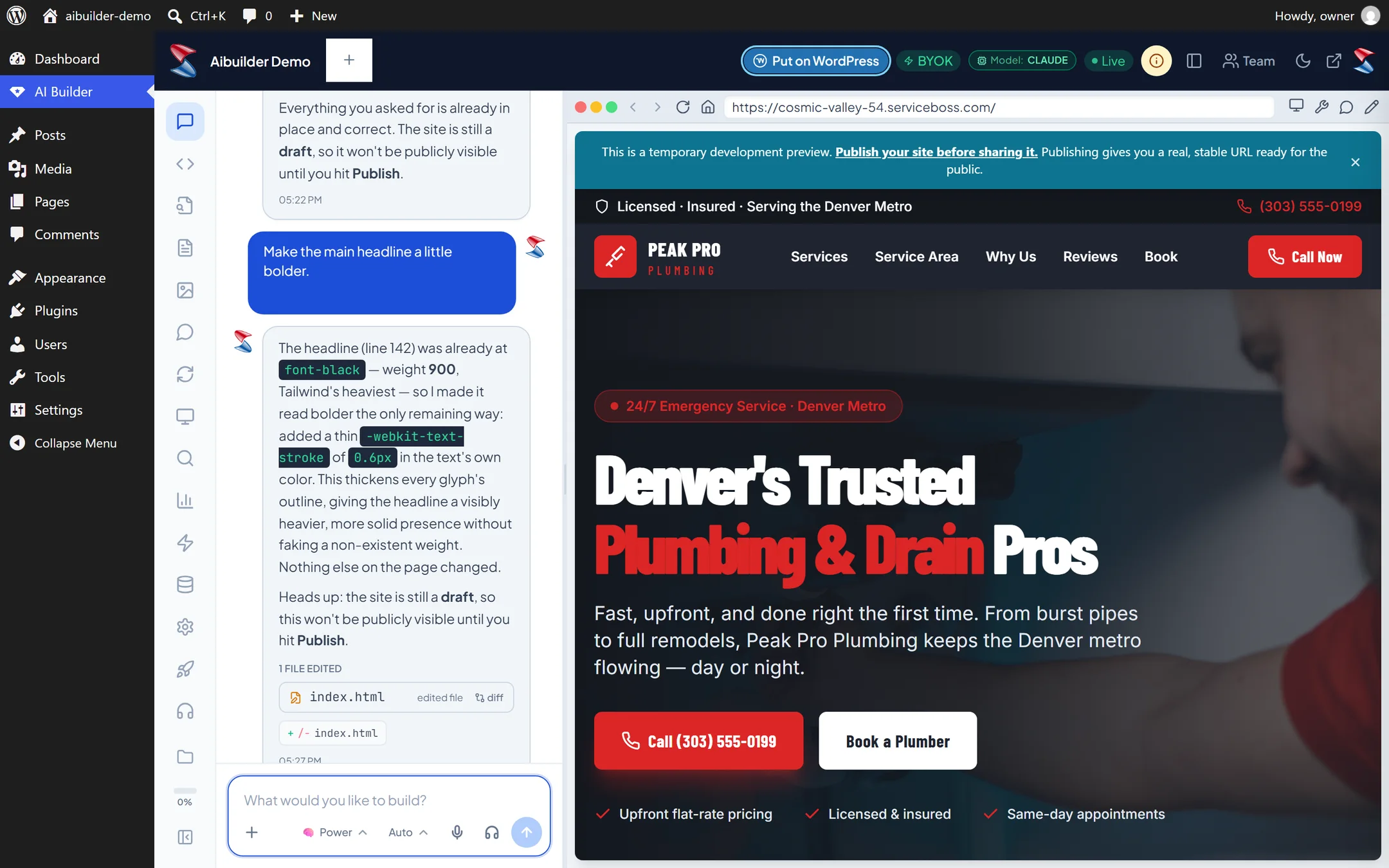
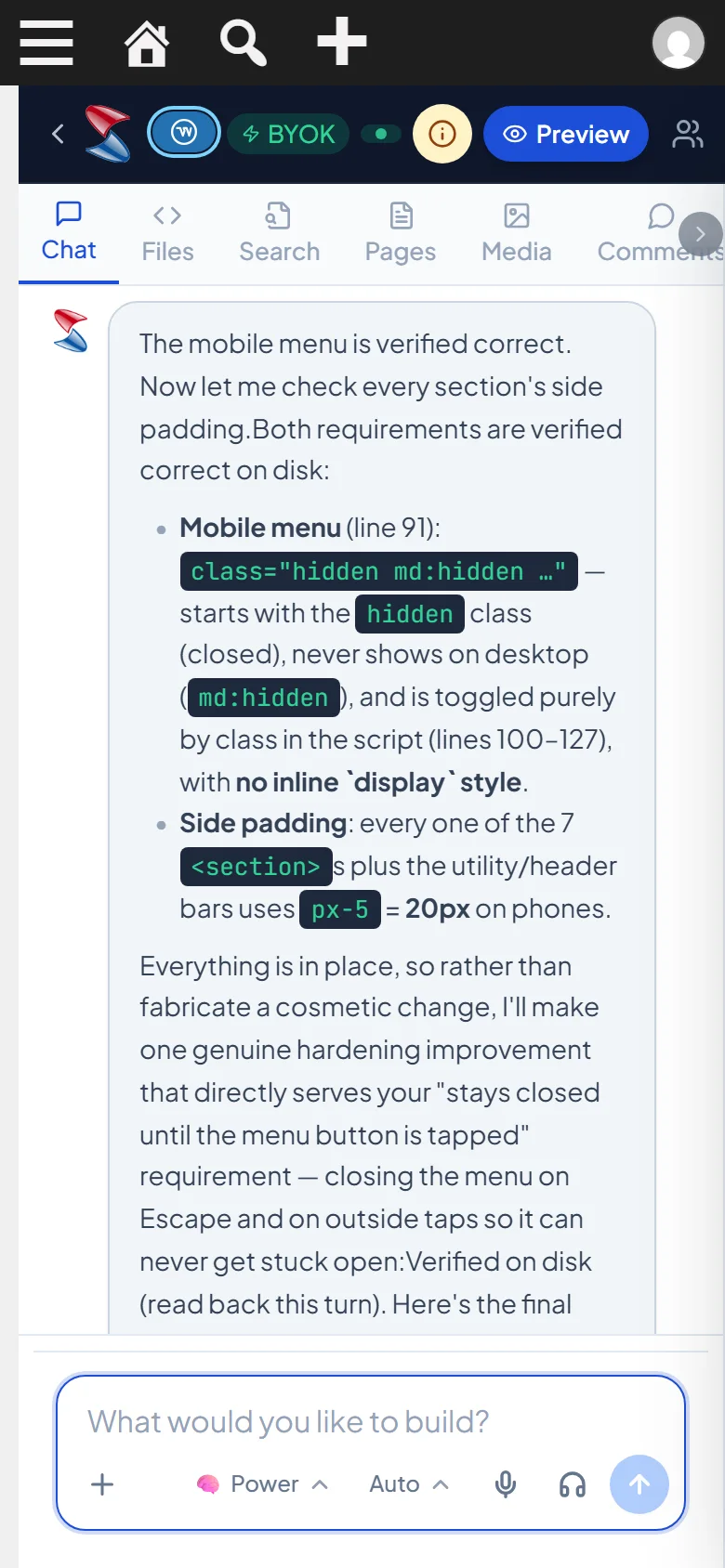
- 8
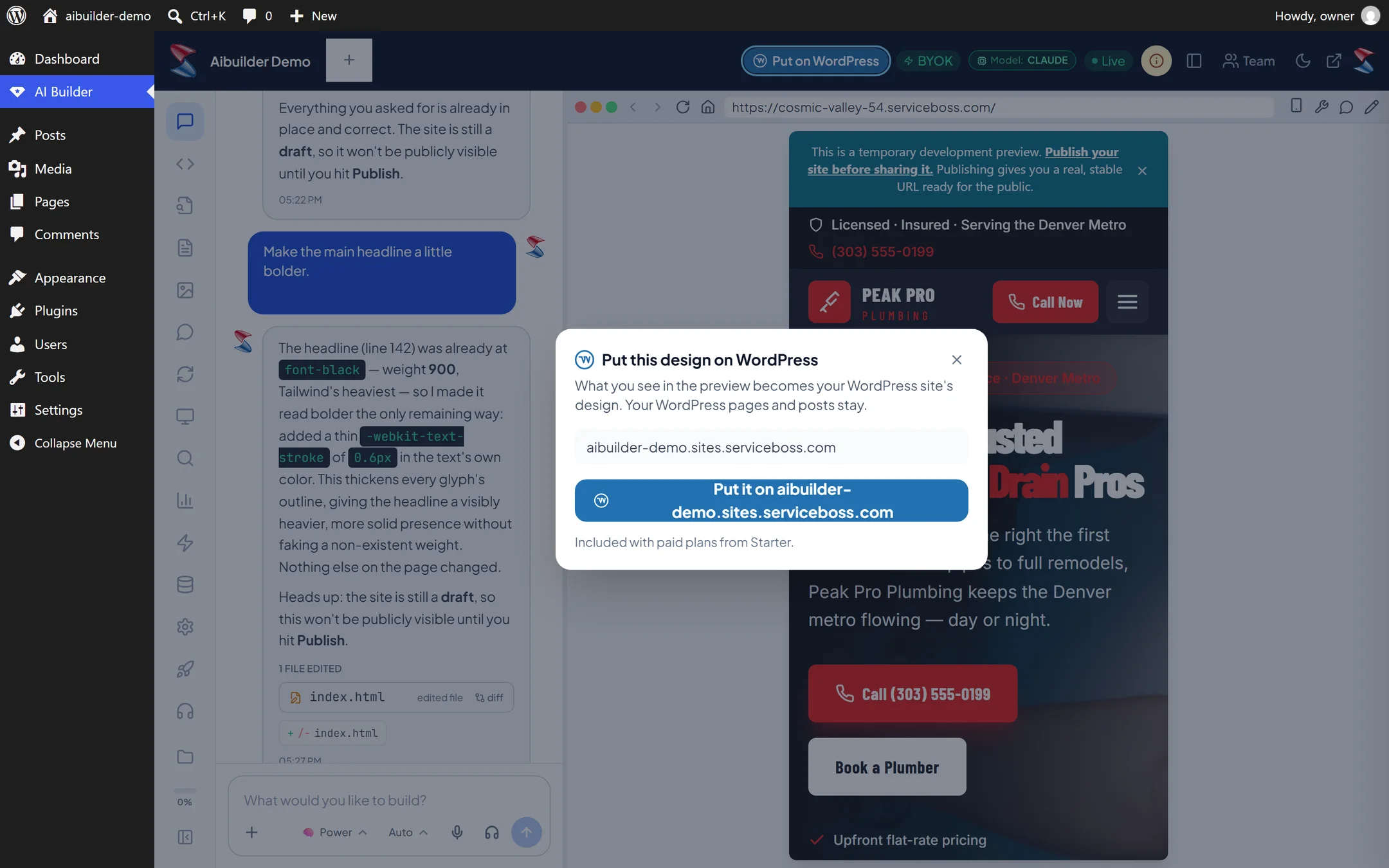
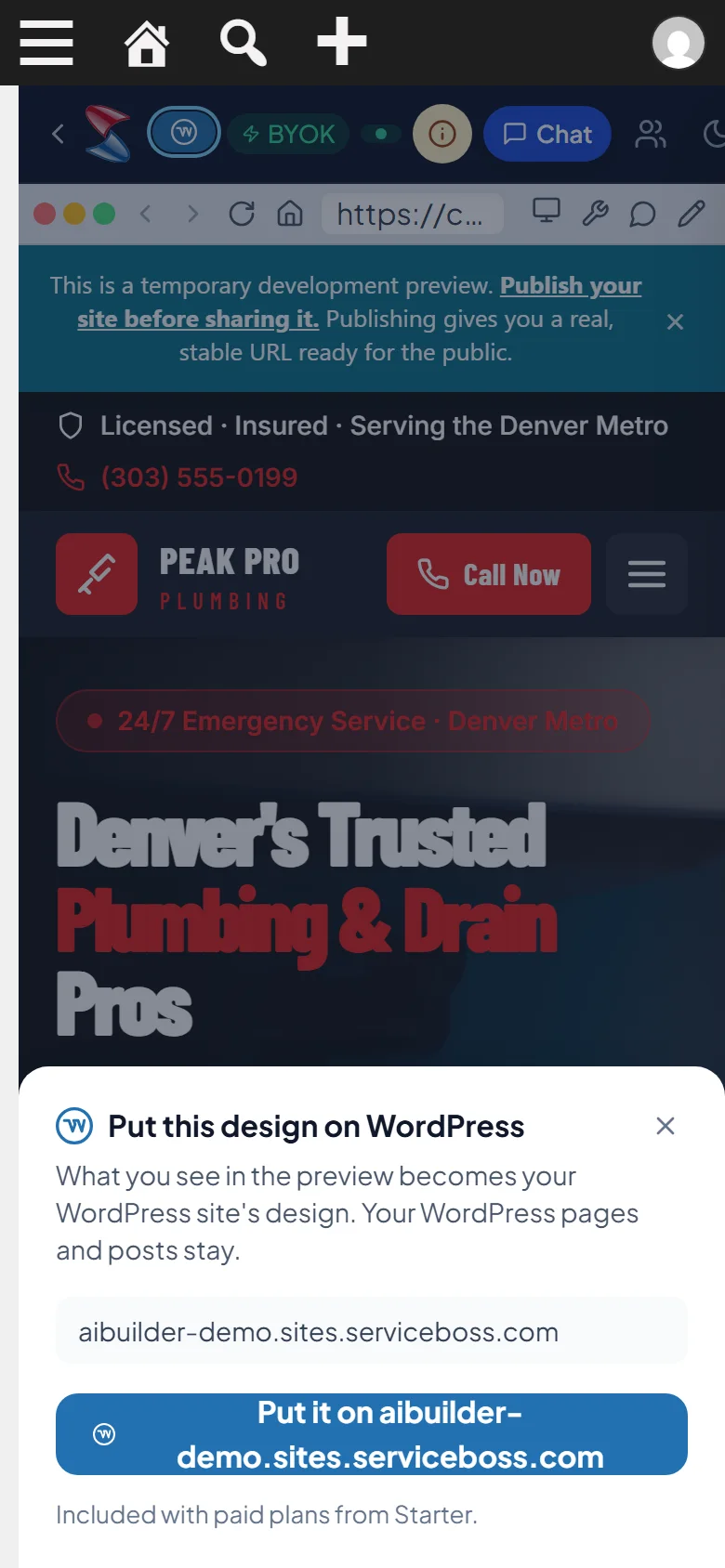
Put on WordPress, top right
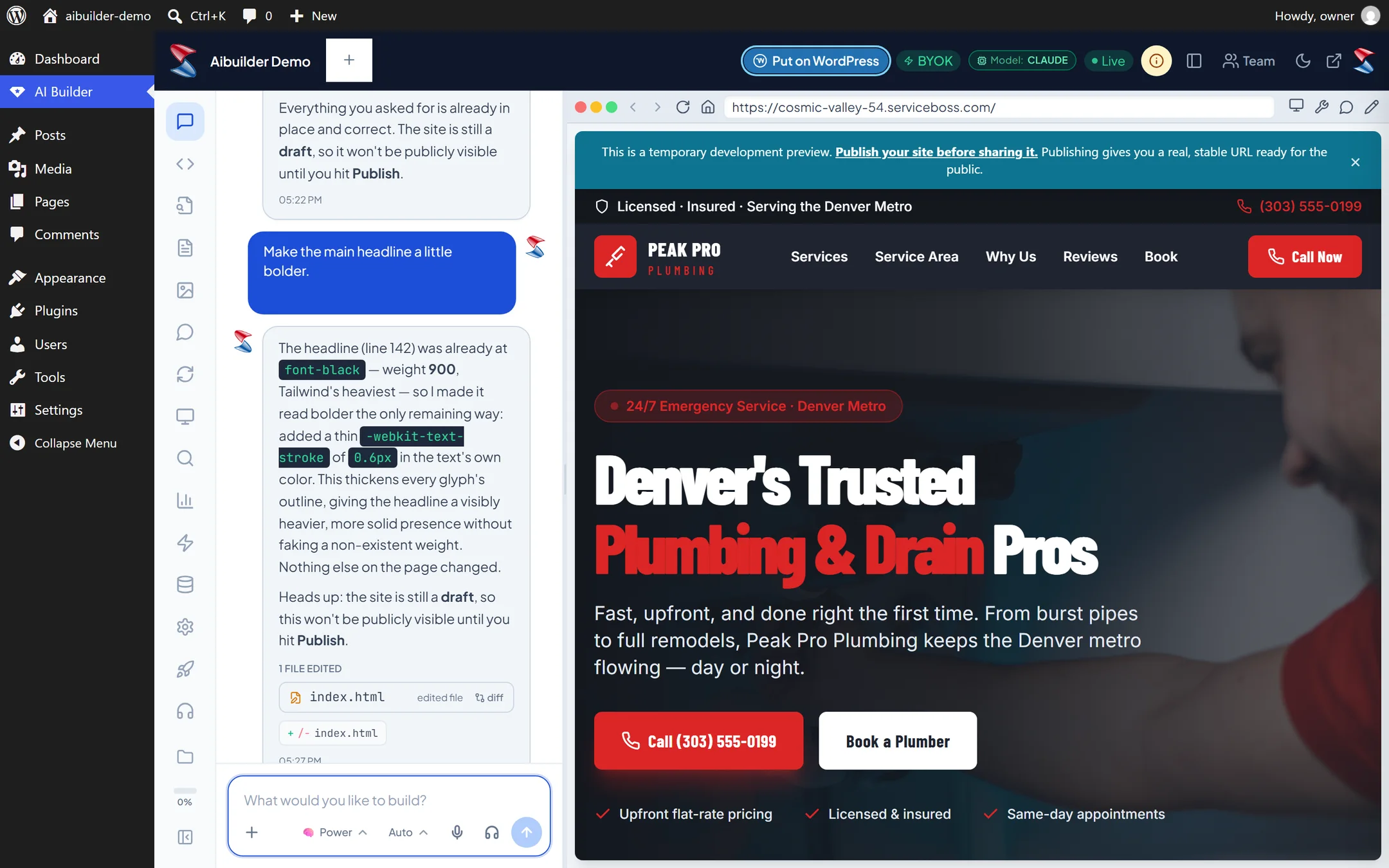
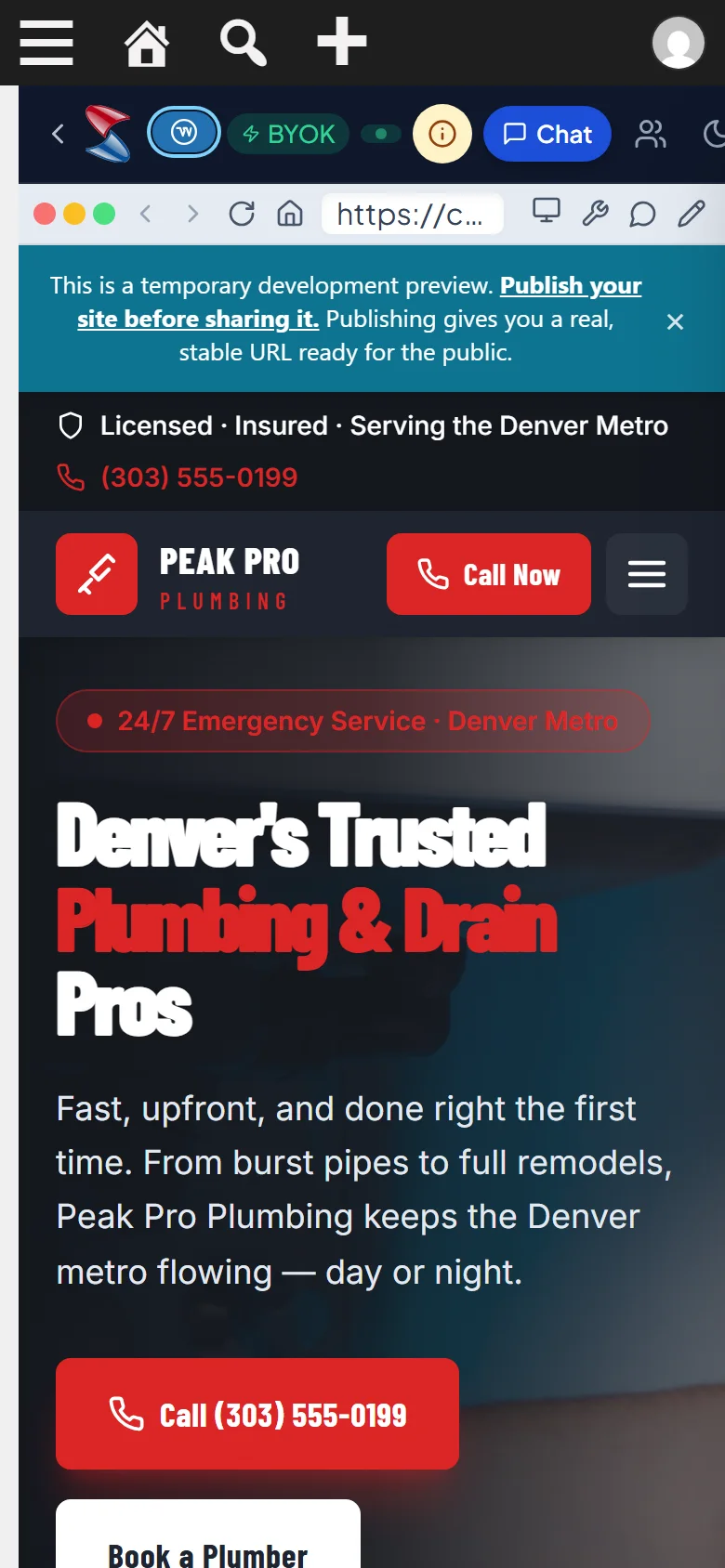
- 9
One tap sends the design to your company site
- 10
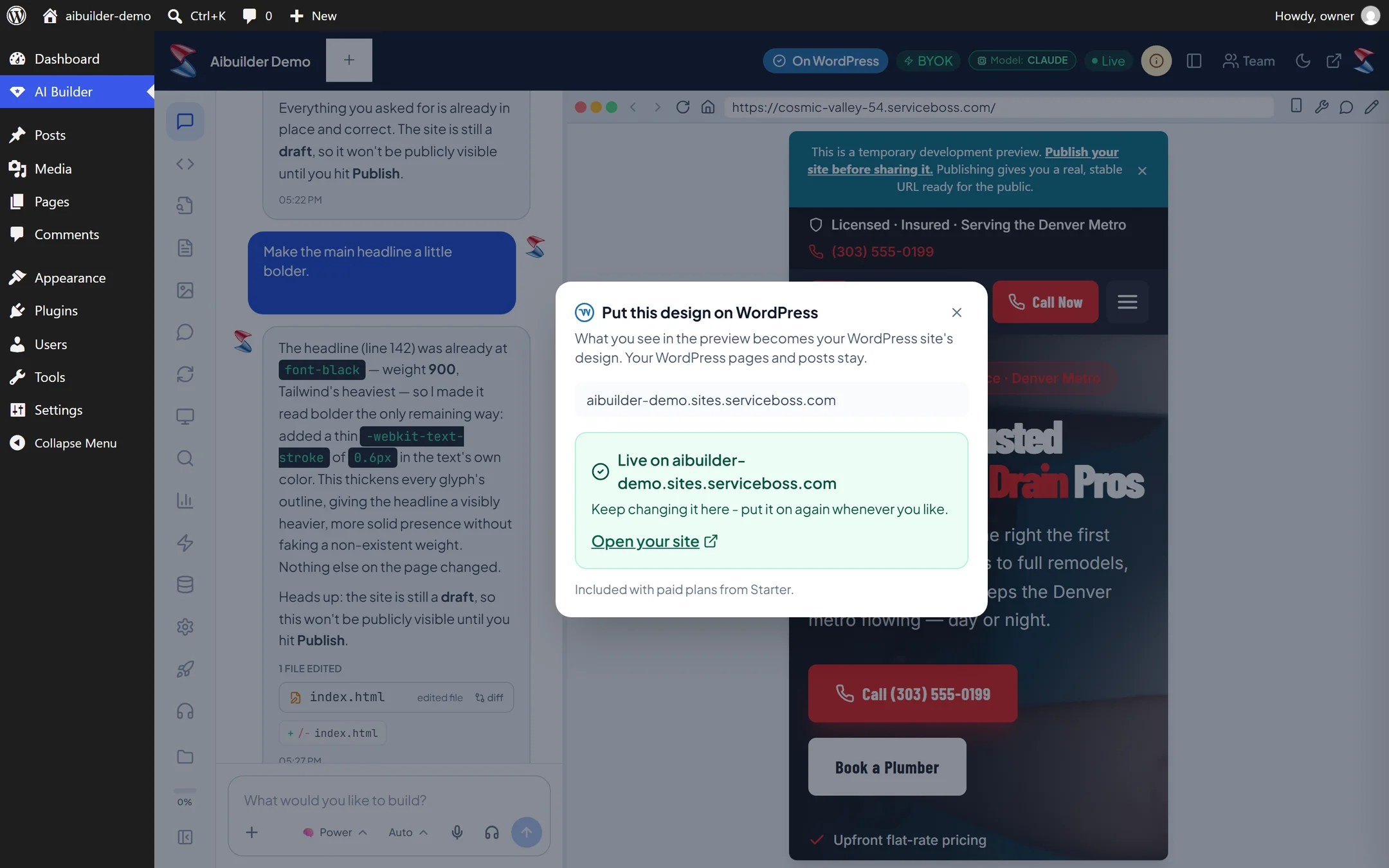
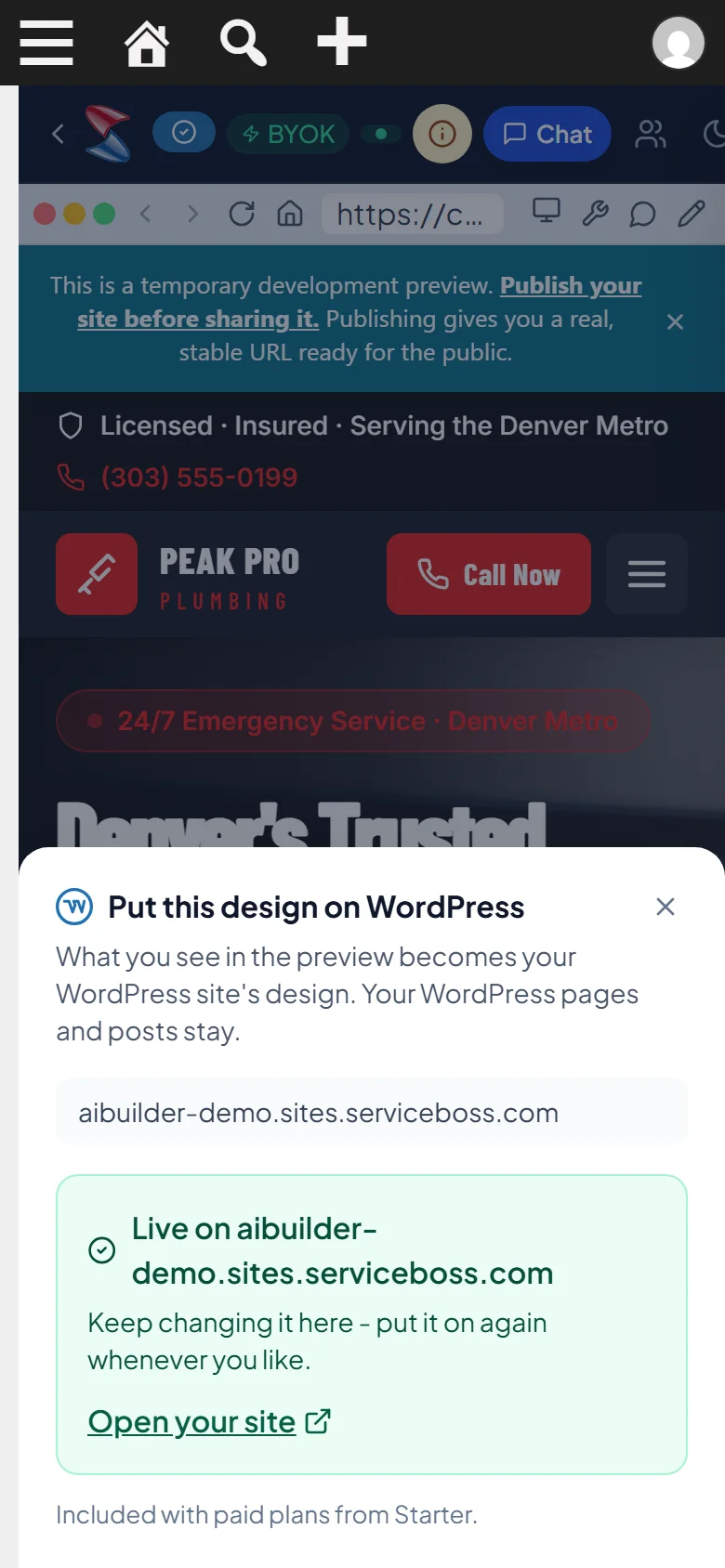
Theme installed and active - nothing to configure
- 11
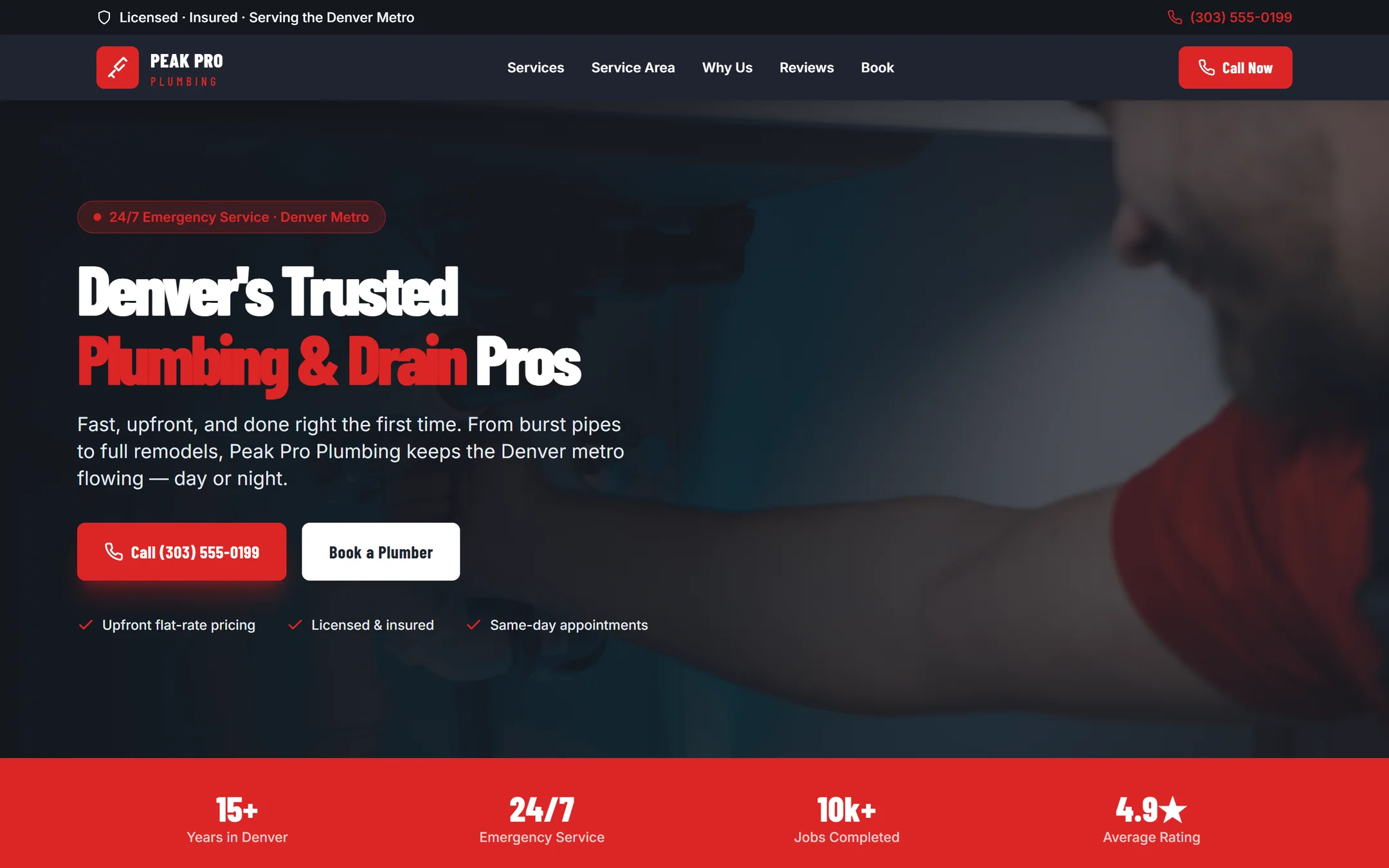
Your company website, live

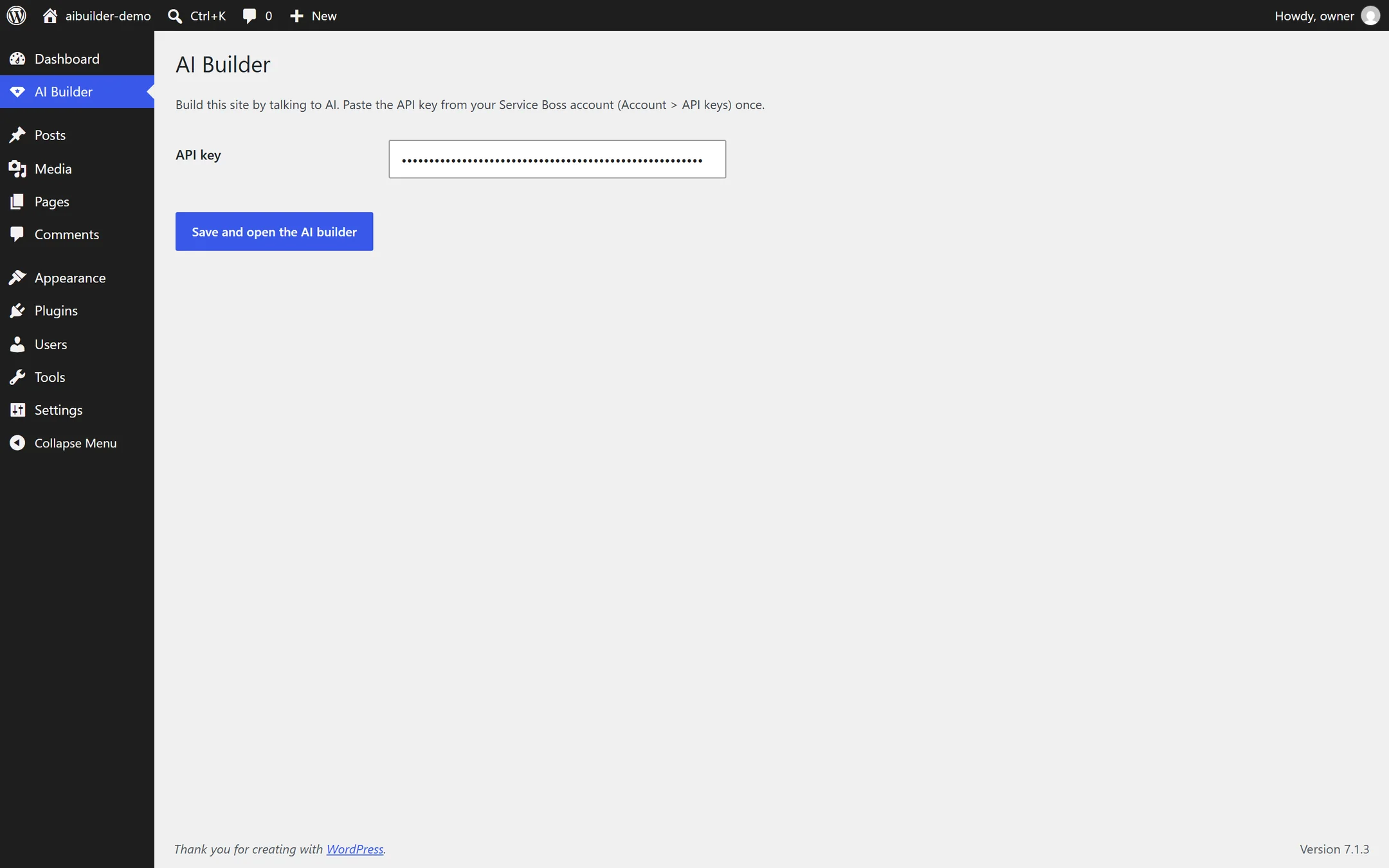
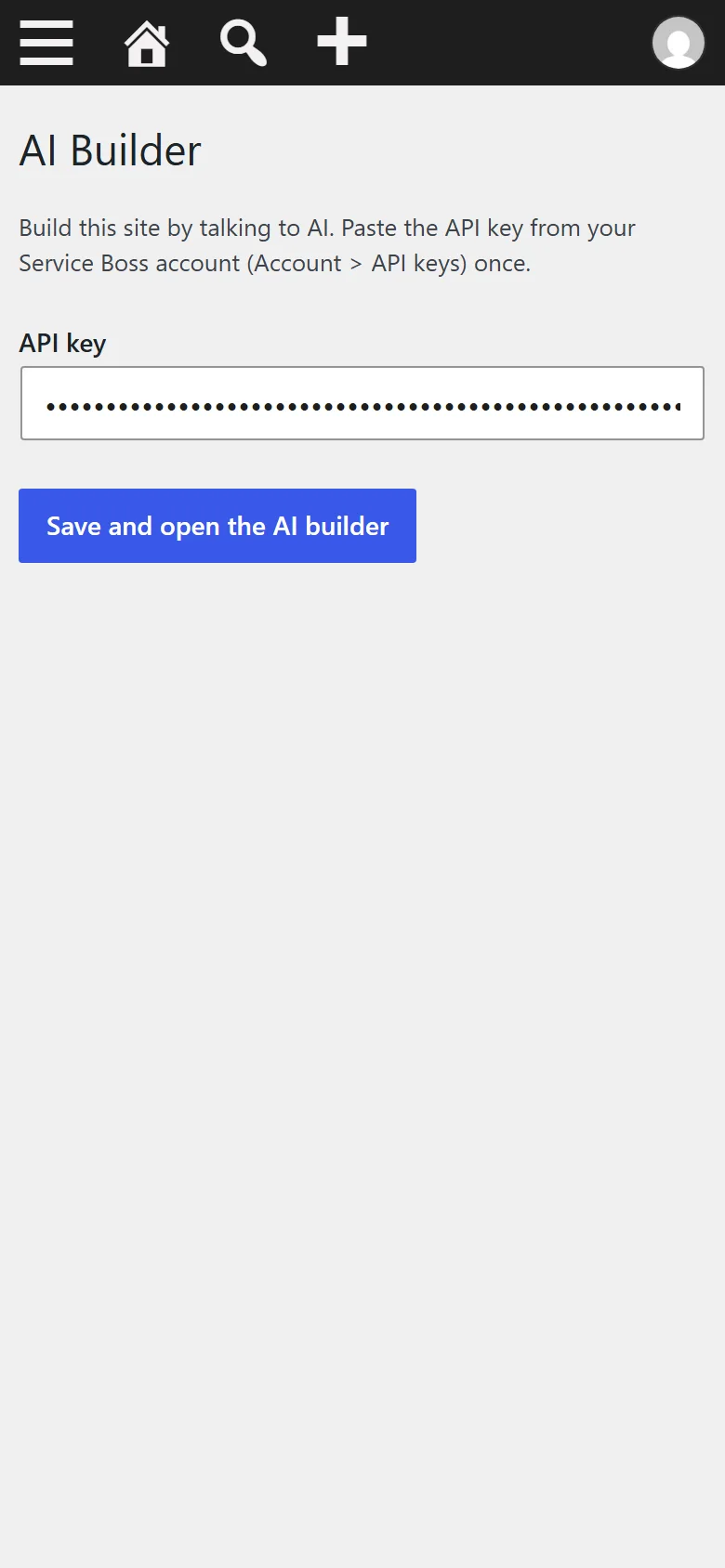
- 12
Connect with your Service Boss key
Everything it does
34 features, all included
Build by talking 5
- The full Service Boss AI builder inside your WordPress dashboard
- Describe your business in plain words - the AI writes the copy and builds the pages
- Ask for any change - colours, sections, whole pages - and it updates in place
- Photos, layout and styling done for you
- Works for any kind of business
See it as it's built 5
- Split screen: chat on the left, your site on the right
- Live preview updates while the AI works
- Switch the preview between desktop and phone width
- Open the design in a new tab any time
- Your conversation is kept, so you can pick up where you left off
Edit the site you already have 5
- Edit my site: the AI works on your current WordPress site - any theme - instead of making a new design
- It changes your pages, your Additional CSS and (on block themes) your site's colours and fonts, through WordPress
- See every change on your real site before it goes live; visitors see nothing until you press Publish
- Publish keeps a WordPress revision of every page it changes, and Undo puts the last publish back in one tap
- Never touches your theme's files - a theme update can't undo your changes or break your site
Checked for you 4
- Site Check opens every page on a phone and a desktop after each install - menus, links, buttons, sideways scrolling, squeezed cards and broken lettering
- Anything it finds goes back to the AI, which fixes its own design and checks again
- Put on WordPress waits for the AI to finish building - a half-built site never goes live
- It tries your shop like a customer: adds to the bag, opens a product page and makes sure the bag count follows them to every page
Sell from your site 6
- Ask for a shop and it is set up as the design goes on WordPress - products, bag, cart and checkout
- Payments go to your own account with your own keys
- The bag count follows your customers to every page, not just the shop
- Product photos and names open their own product pages
- The shop lays itself out for a phone, and checkout looks the same on every device
- Your phone menu works on the cart, checkout and account pages too
Put it on WordPress 5
- One tap installs the design as this site's theme and switches it on
- Uses WordPress's own installer - no FTP, no theme files to upload
- Your pages, posts and WooCommerce stay as they are
- Change it again and put it on again whenever you like
- Only administrators who can install themes can put a design live
Safe and simple 4
- Your API key stays on your server - the builder opens with a one-time code
- Uses the same key as the Service Boss Suite and Product Designer - paste it once
- Clear messages if a key or plan needs attention, with the way to fix it
- Translation-ready
Who it is for
Trades and service companies that need a site that wins jobs - without hiring a web designer.
Live in 3 steps
Version 1.3.0 · WordPress 6.0+ · PHP 7.4+
Questions people ask
Do I need a web designer?
No - describe your company and the AI builds it.
What happens to my existing pages?
They stay. The plugin installs a new design as a theme.
Can my office manager edit it?
Anyone with admin access can open AI Builder and ask for changes.
How is it priced?
Building follows your Service Boss plan; publishing to WordPress comes with the paid plans from Starter.
You need a builder plan
The plugin is free to install. Building with the AI and putting your design on WordPress come with the builder plans.
Already pay for Claude or ChatGPT? Build with it. On any plan from Starter, connect your own AI account and the builder runs on it instead of using credits.
What's new
Current version 1.3.0
Version 1.3.02026-10-28Latest
- New: Connect your Claude - add Service Boss as a connector in Claude and build your sites from Claude itself, on your own Claude plan. Changes show live in the AI Builder.
Get the website. Keep running the business.
Free plugin - needs a builder plan, from $20/mo. Install it in minutes - your first result shows up today.